Case Study of Madaket "Sceptre" Design System
Situation
Madaket is a SaaS provider focused on reducing administrative waste in U.S. healthcare. Their product line has been ever-expanding since their first product launch in 2013 and as a result, development teams adopted their own strategies and patterns for user interaction within the app. This led to not only design and functional differences, but differences in the tools and libraries to support the products (Angular 6, 12, 19, JavaScript, TypeScript, and even jQuery).
Task
This was much more than a design problem. With over a decade developing multiple applications with different development teams on varied tech stacks, it was a recipe for tech debt, splintered design, overlap in component libraries, and duplication of engineering and design efforts. This became a company-wide initiative to solve.
Solutioning
Each team led their own research efforts, with weekly group check-ins to ideate and report back with findings, plans, and suggestions. Slack was used to keep this research constantly shared between departments.
As engineering had already invested a lot of effort into the Angular framework and planned to bring all Madaket products aligned under the same version and relative tech stack, my research into design tools and systems began. Comparisons with how other software development teams solved this problem were conducted, and a consistent theme of similar tools and open source libraries were observed.
Action
Ultimately, the company determined a successful strategy:
- Switch our existing wireframing/prototyping solution from Adobe XD to Figma. Aside from Figma being a recognized industry leader in this field, it's Dev Mode feature would allow us to export the styles of our design system directly into usable CSS for our engineering teams to apply to their component libraries.
- Use Figma to create a singular design system that can be used across all products for consistent design and functionality
- Document established design patterns, default data formats, and publish the completed design system company-wide on our Confluence Knowledgebase.
- Establish a fallback strategy for legacy products that would be too costly to engineer up to the new tech stack (such as our vanilla JavaScript/jQuery-based products). The Dev Mode feature in Figma proved very useful here, as theming could be exported and implemented not just for the primary component library, but legacy components as well, establishing a common look and feel despite very different technology.
The Deliverable
With a Confluence space full of documentation and a company design system published from Figma, we were able to provide developers at out company a consistent design system that unified and instructed how to deliver consistent:
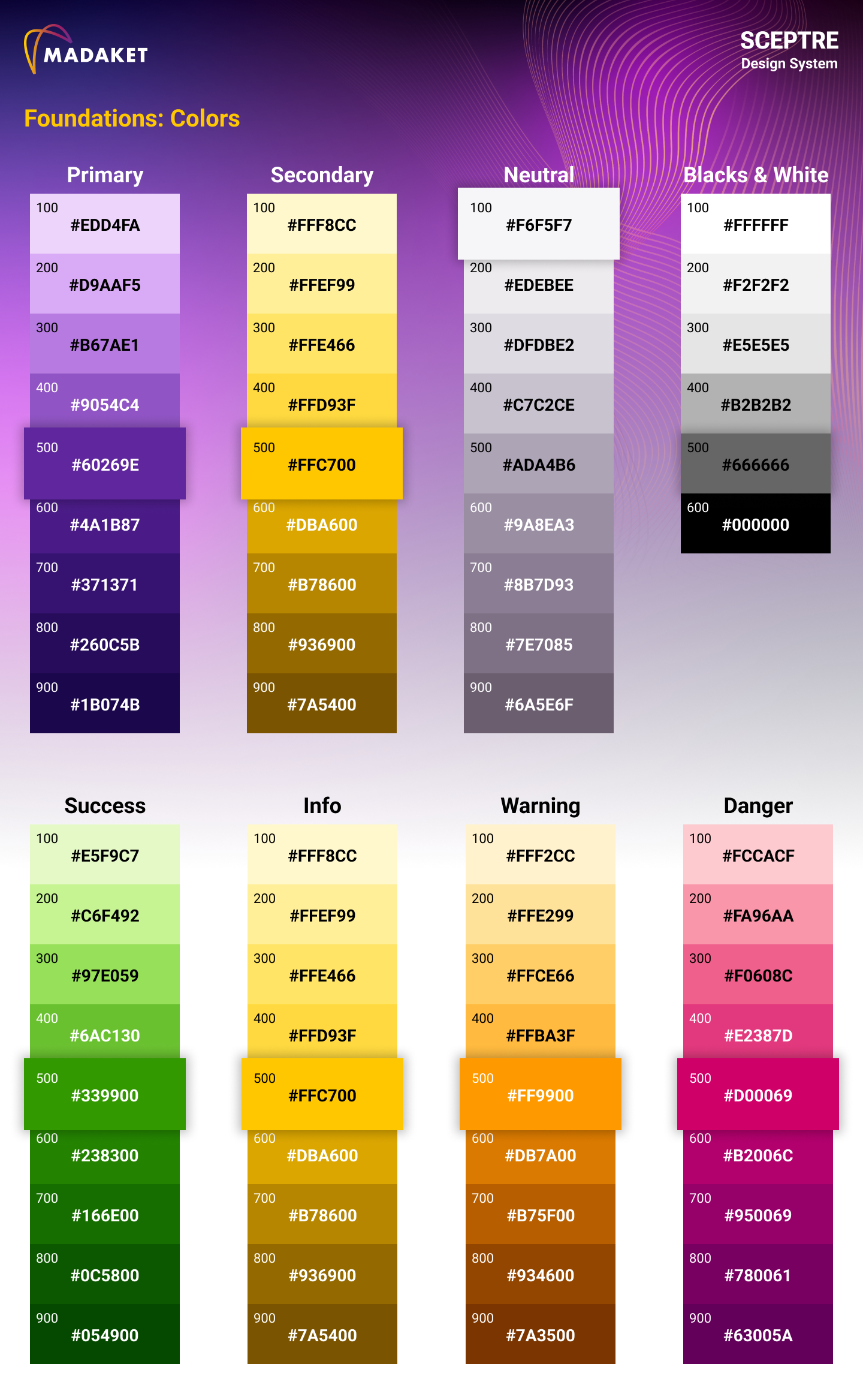
- Color Usage
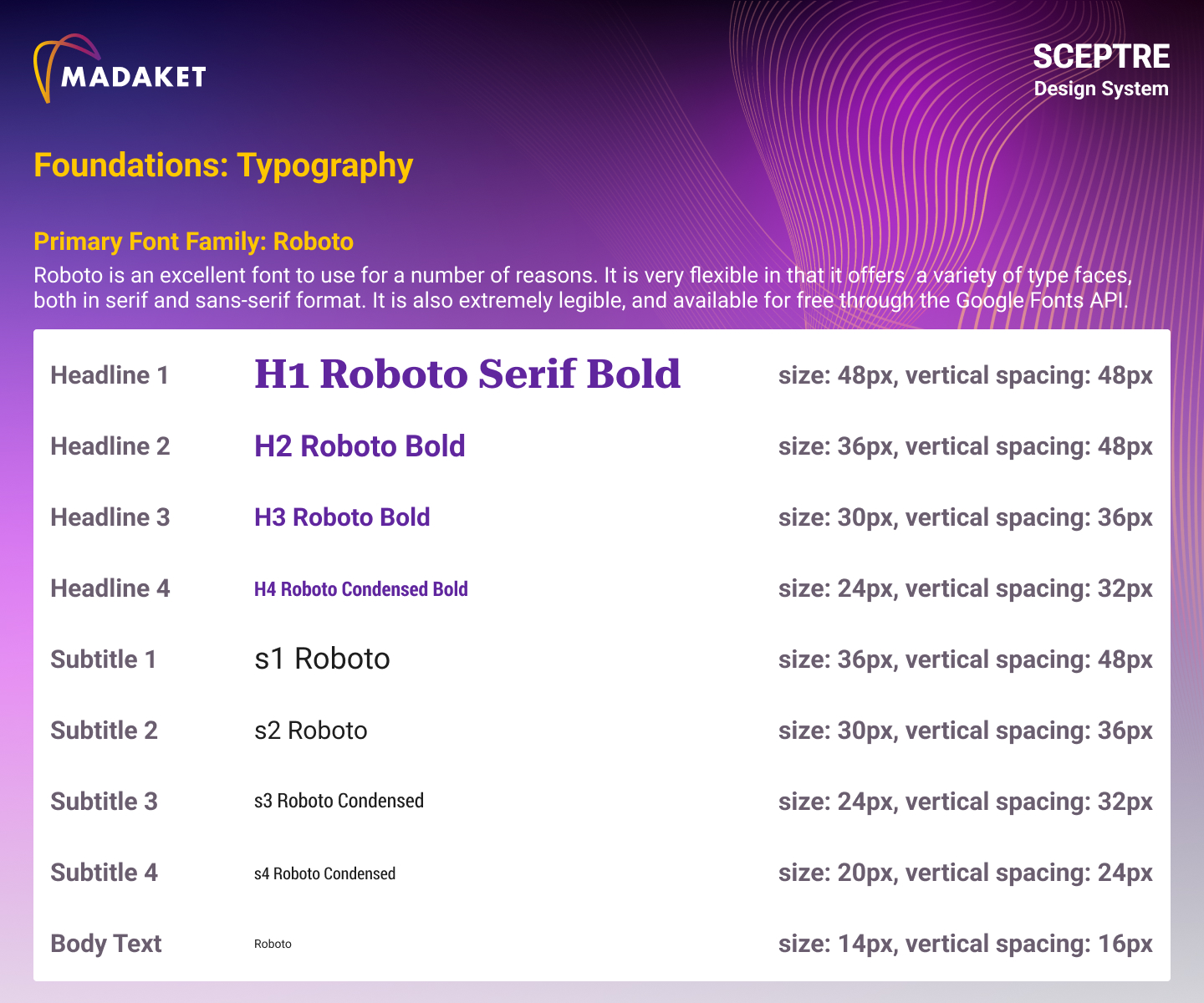
- Typography
- Spacing
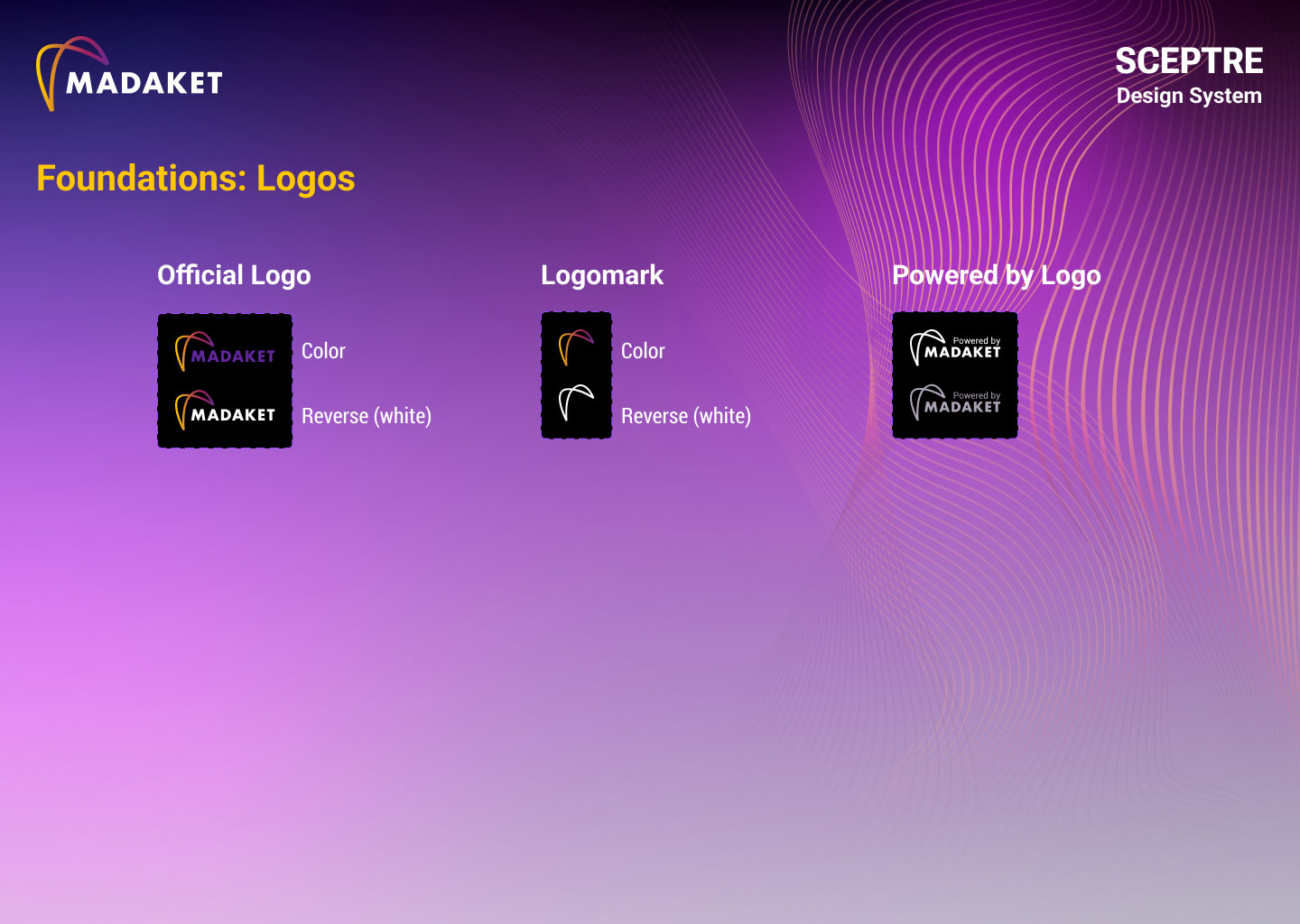
- Logo Usage
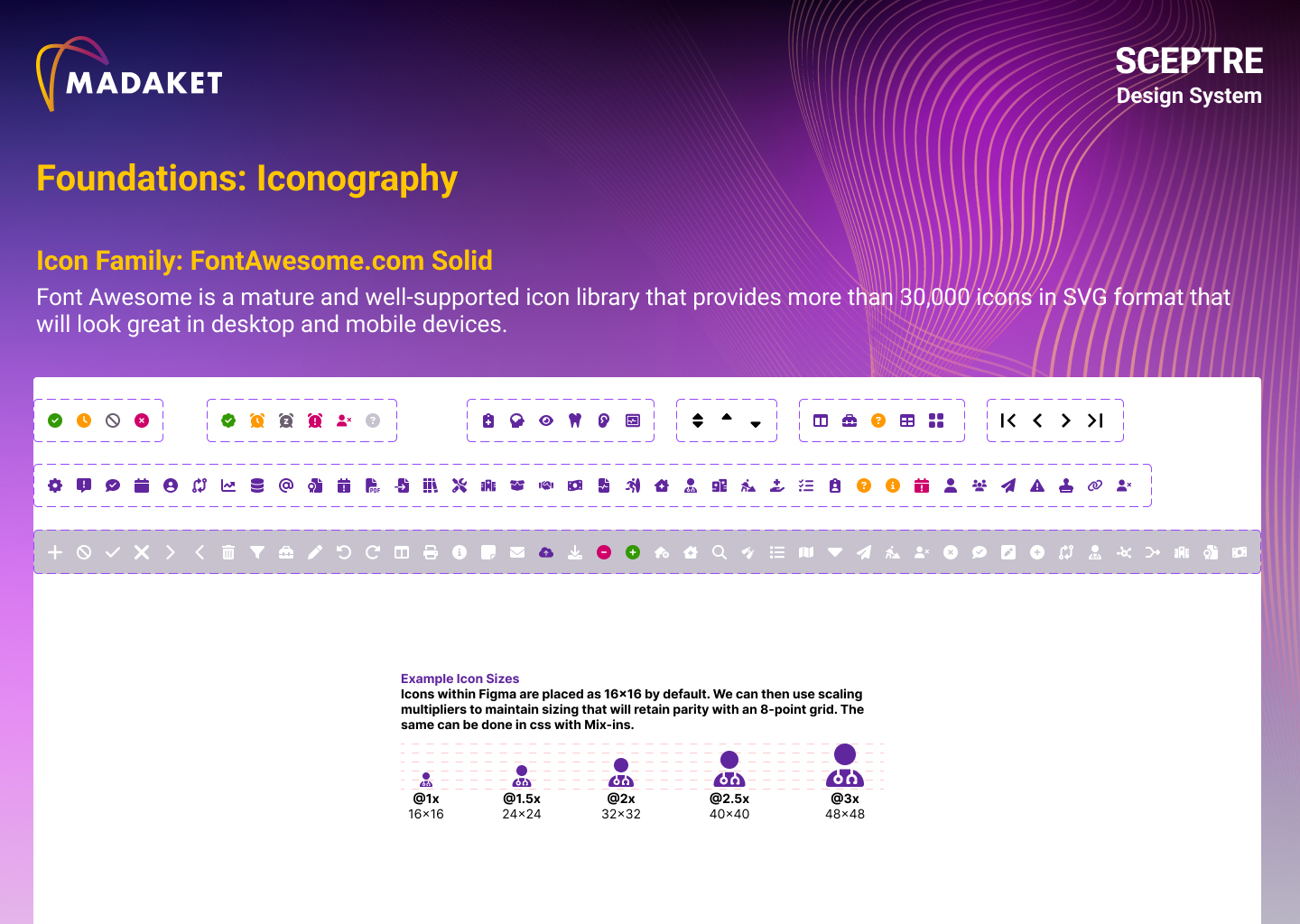
- Iconography
- Page Headings
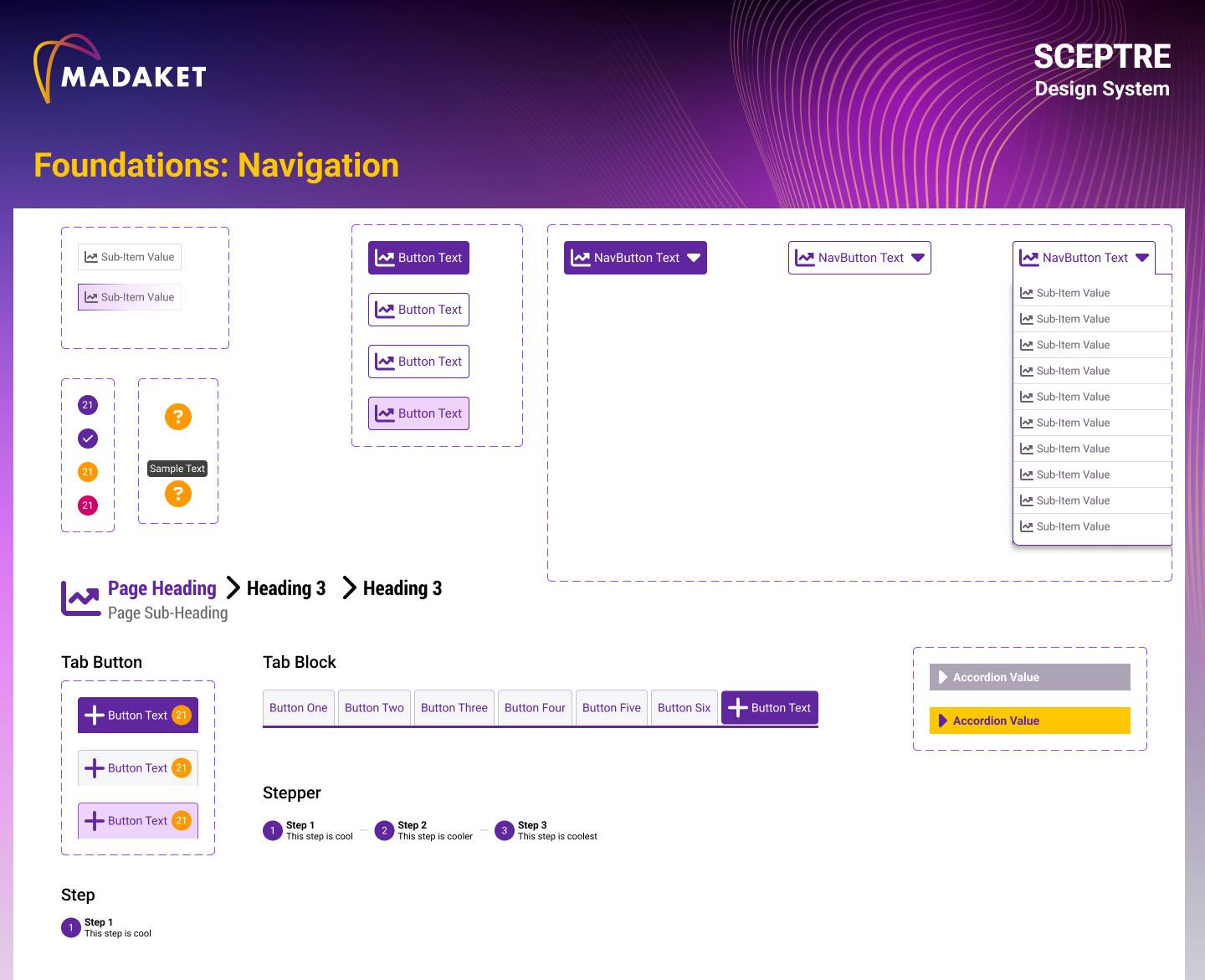
- Navigation
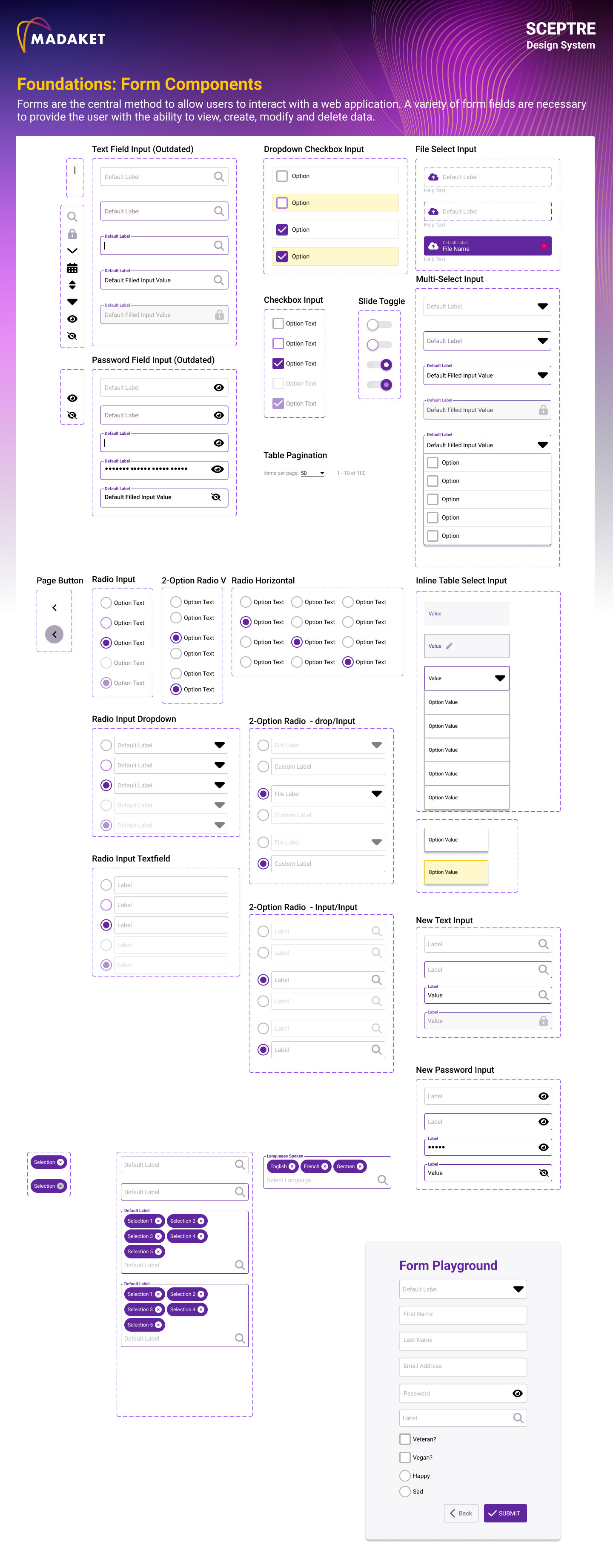
- Form Fields (text fields, buttons, date pickers, sliders, checkboxes, radios, etc...)
Result
- 6-15% Increase in Sprint Velocity dependent upon team
- 2-10 Hours saved per sprint in Engineering QA iteration
- 10% Faster form submission and greater brand consistency across products
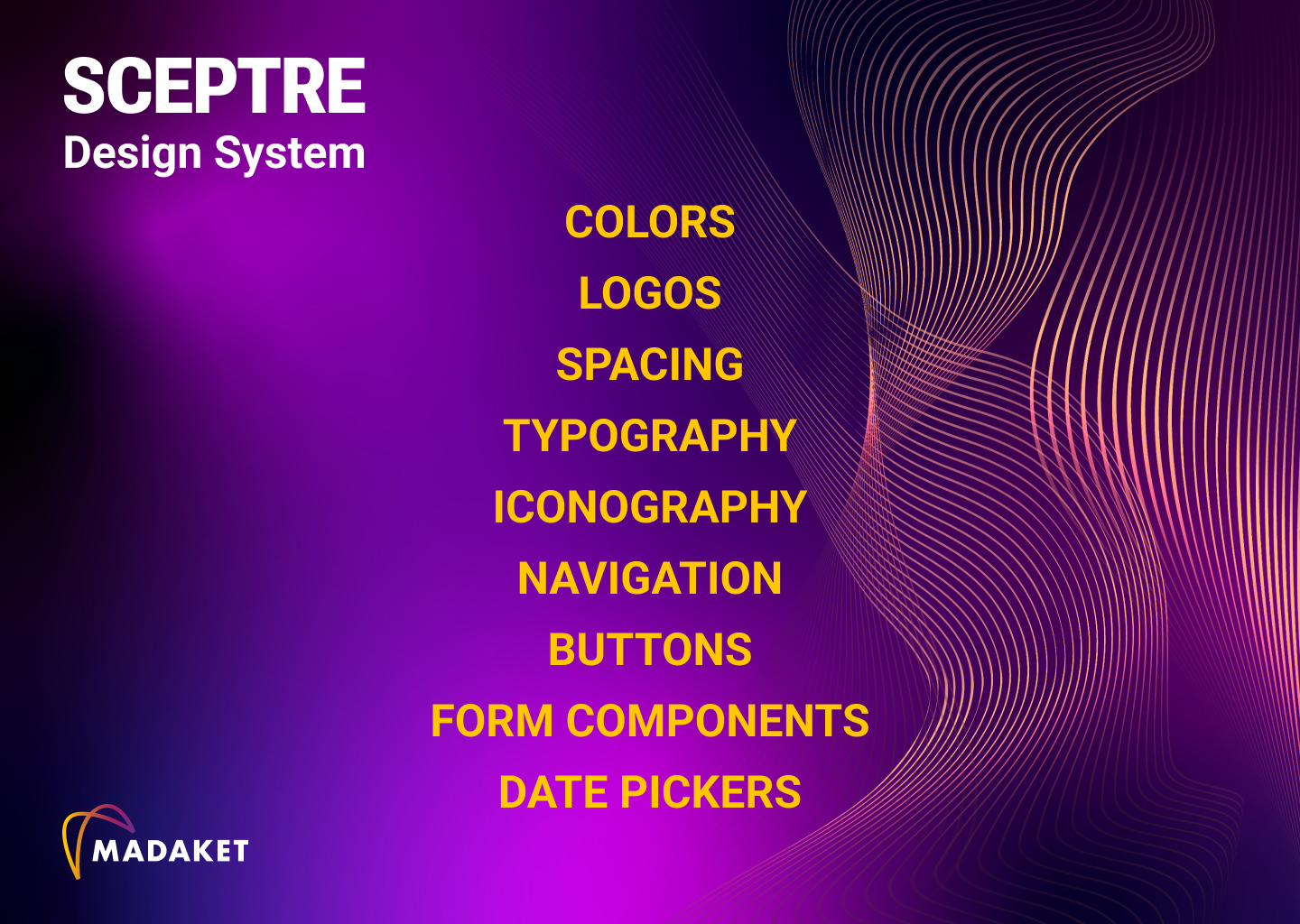
Sceptre Design System - Title Page
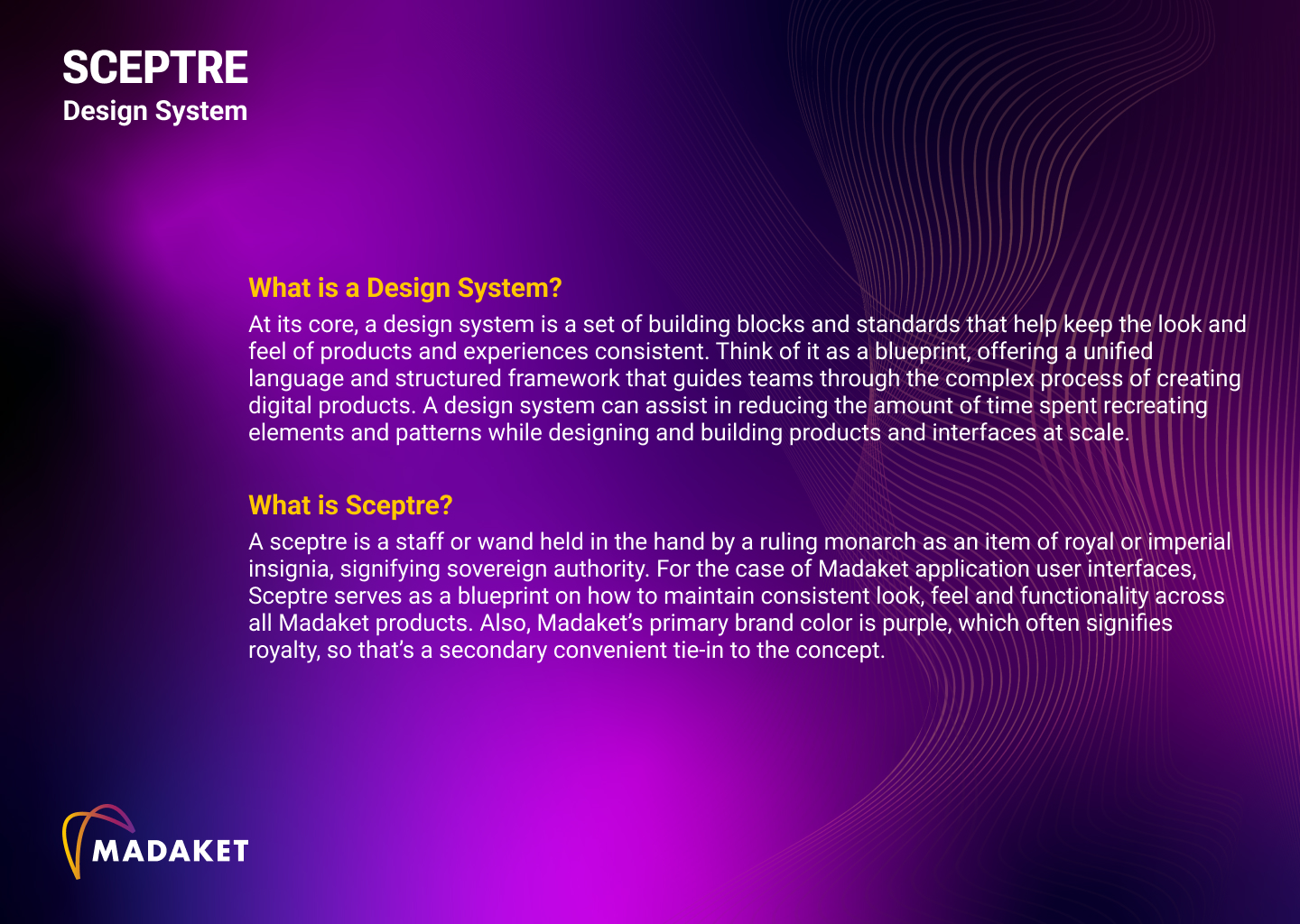
Sceptre Design System - About Sceptre
Sceptre Design System - Color Usage
Sceptre Design System - Logo Usage
Sceptre Design System - Typography
Sceptre Design System - Iconography
Sceptre Design System - Navigation
Sceptre Design System - Form Fields
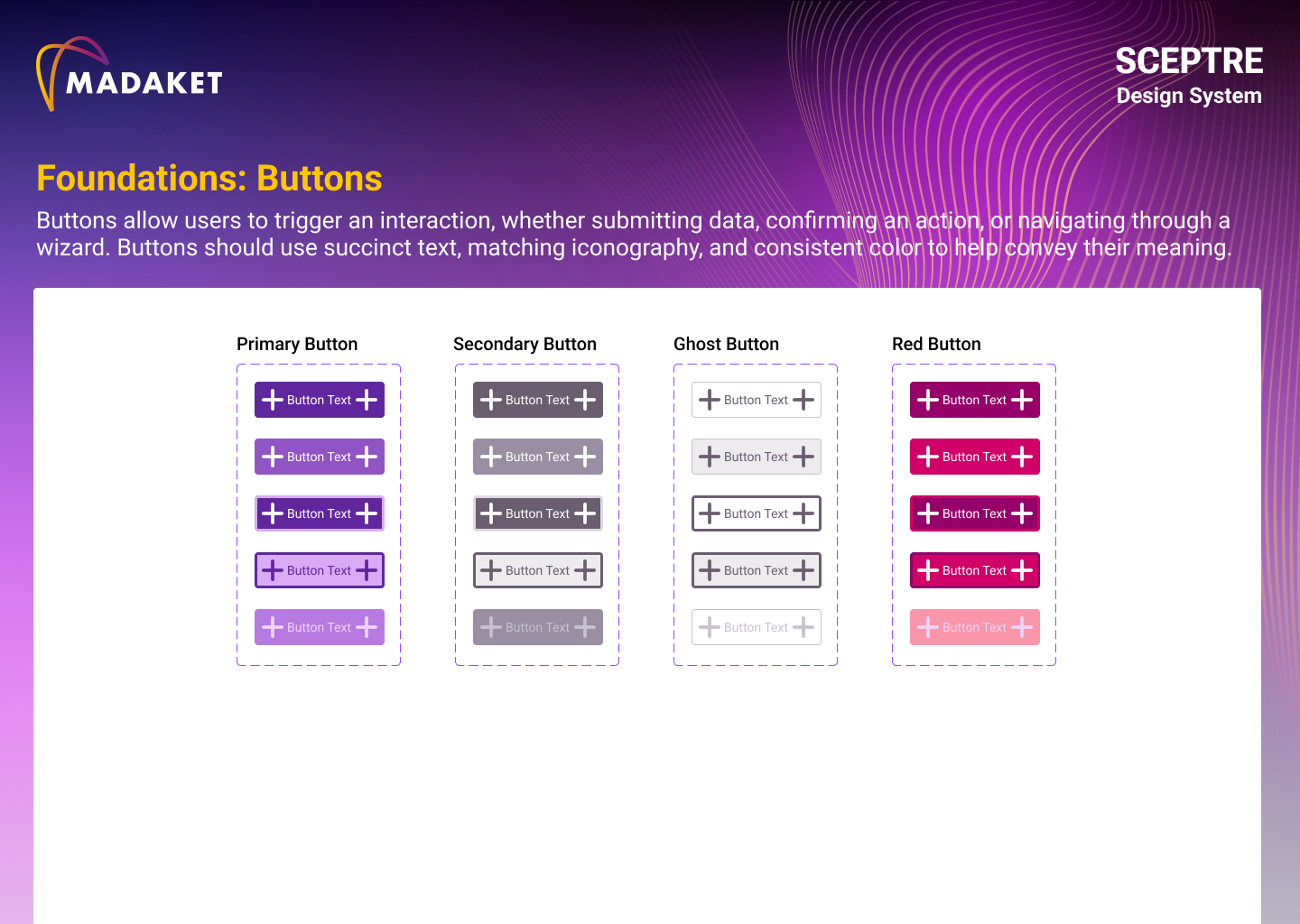
Sceptre Design System - Buttons
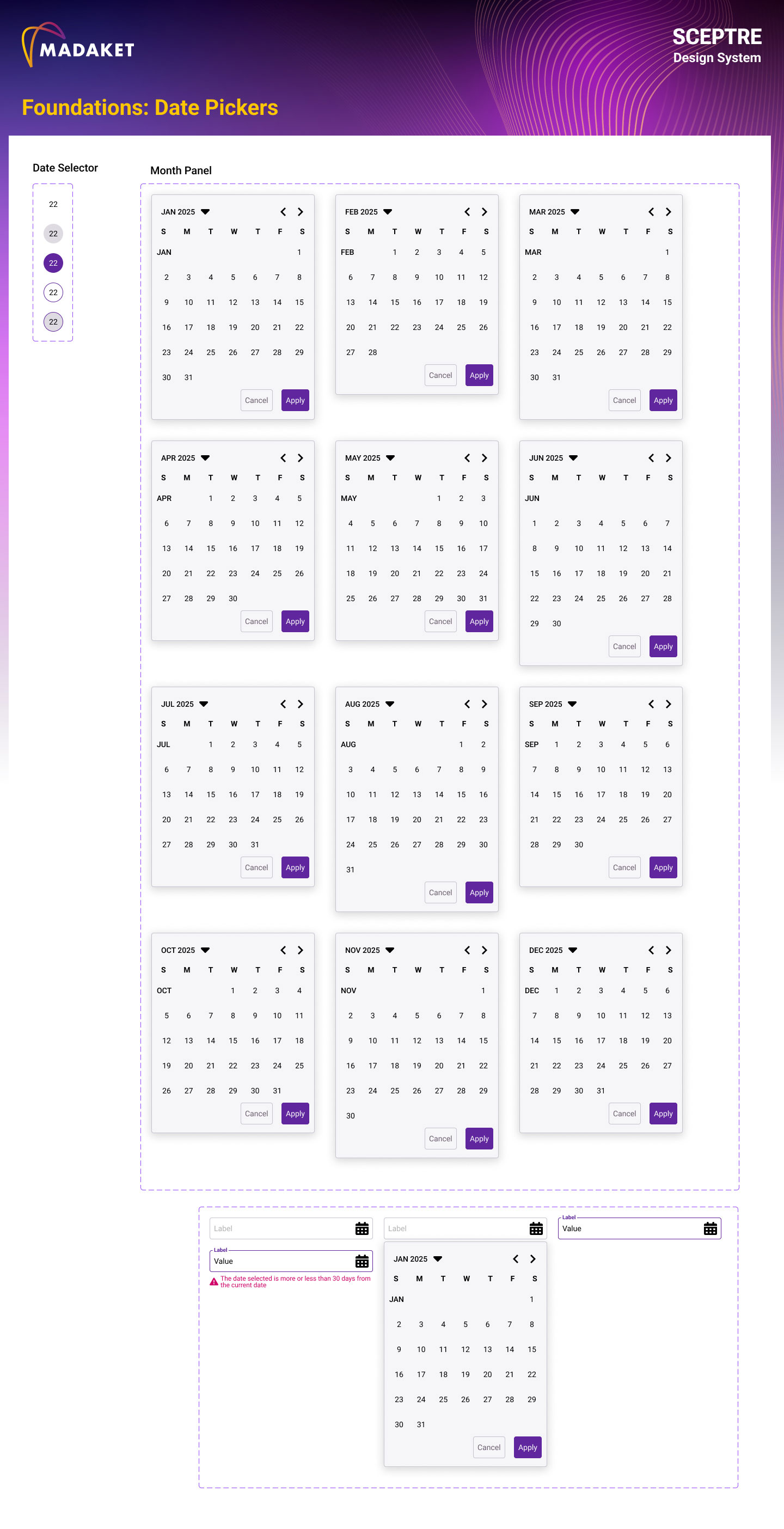
Sceptre Design System - Date Pickers